Audio Formats and Voice Agents
July 26, 2025A little backstory So for those of you who don’t know, I have been working as a Backend and AI engineer at Superdash for two weeks at the time I am writing this. And so far, I have worked on voice based AI agents and made them sound more natural. And, I’m sharing whatever I have scratched my head for. You can use this as a extra reading material while building anything related to voice based communication over the internet.

SSH for Noobs
May 19, 2025Many of you must have worked with AWS or GCP at some point, and even if you were scared of the terminals, you might have been forced to use it. And you also must have accessed the terminal of your service from your local terminal. But wait, how is that possible? How can you access the console of another system from your own? The answer: SSH So, what SSH actually is, and how can you use it effectively without just copy-pasting commands from the internet? Let’s explore that in this blog post.
Why you should be a part of open source?
May 4, 2025As a computer science student, you’ve likely encountered the terms “open source software” or “free software” while working on projects. But what exactly does open source mean, and why should it matter to you? Let’s explore that in this post. What Does Open Source Stand For? Technically, open source software (OSS) refers to software whose source code is publicly available, allowing anyone to view, modify, and redistribute it freely, often under specific open source licenses . However, open source is more than just a technical standard; it’s a philosophy. It benefits a wide range of people, not just programmers – even if you’ve never written a line of code, you likely benefit from OSS every day.
MCP: Giving LLMs Hands (and Tools)
April 16, 2025Why the hype? We’ve all faced the task of writing professional emails and sending personalized versions to multiple recipients. While ChatGPT can help draft the email, it would be even more efficient if the entire process, including sending personalized emails to each recipient, could be automated. Imagine your LLM handling the entire task for you – this is where MCP comes in. For example, suppose you’re a marketing manager launching a new product. You need to email different customer segments with tailored messages highlighting the product features most relevant to them. Or, imagine you’re a recruiter sending personalized follow-up emails to candidates after an interview, referencing specific points discussed. MCP enables these kinds of automated, personalized communications, saving you time and improving engagement.
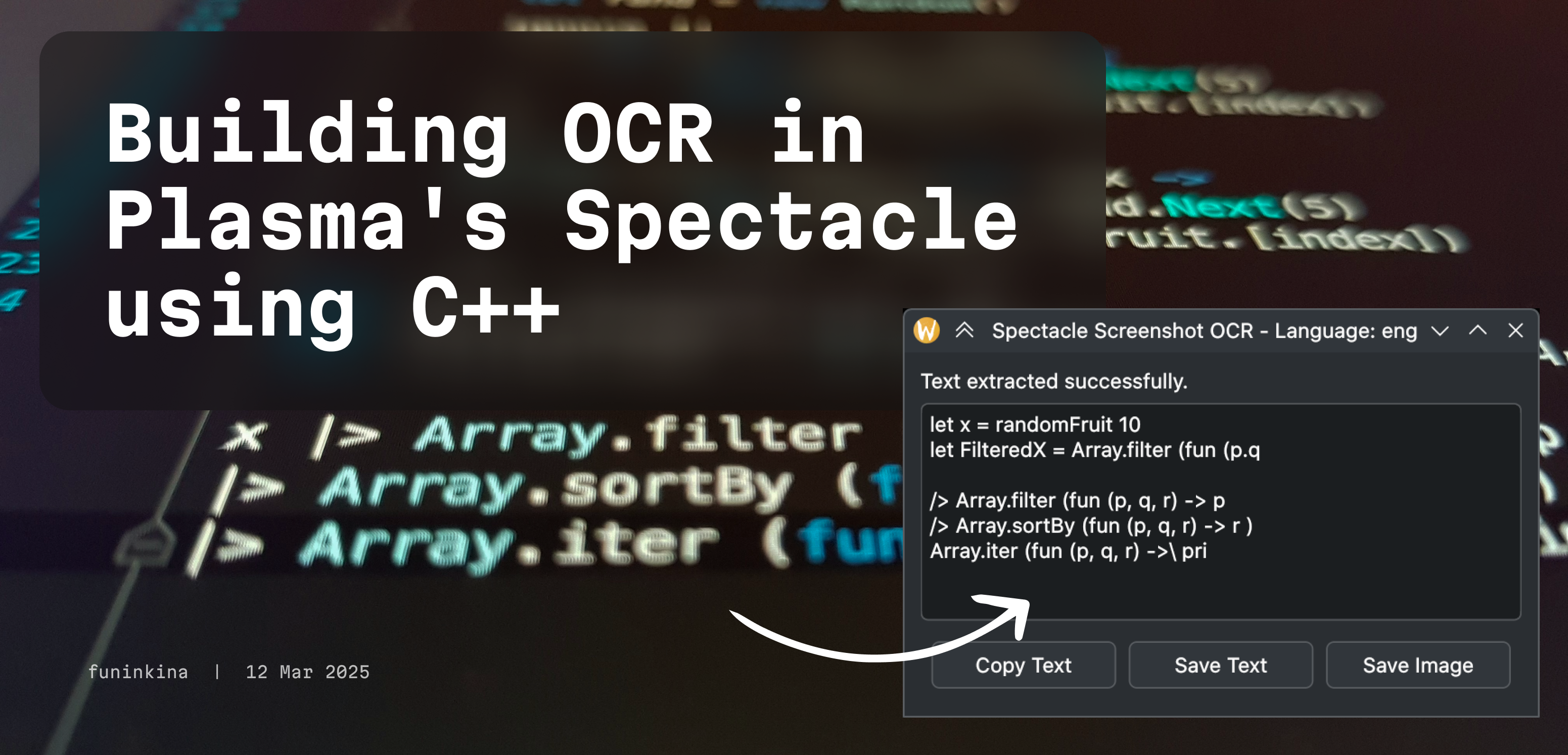
Building OCR in Plasma's Spectacle using C++
March 12, 2025🔍 The Why? A while ago I made a python script that achieved the same goal but in GNOME desktop environment. You can read more about it here . That also uses Tesseract to extract the text and displays a GTK window to copy or save. But recently, I switched to KDE Plasma and I wanted to have the same functionality in Spectacle, the default screenshot tool in KDE Plasma. So I decided to write one for KDE Plasma too.
Terminal Emulators: Under the Hood
February 25, 2025A little overview about terminals As a developer, you must have gotten your hands dirty with terminal emulators at some point in your career. They are powerful tools that allow you to interact with your operating system and run commands from the command line. You might think that it is just text in a black box, but it’s much more than that. You see, in the early days of computing, a computer was literally a green/white text on a black background. This you can say is a true computer, you give some input, and you get some output. But as time went on, we moved on from that and started using graphical user interfaces (GUIs). GUIs allowed us to interact with our computers using a mouse and a keyboard, but they were not as powerful as terminal emulators. Behind the scenes, a GUI is just executing commands that we used to enter manually in the terminal.
A beginner's guide to Linux
February 20, 2025📝 Why this guide? When I first heard about Linux, I jumped headfirst into it. All I did was a few minutes of Googling about what it is, and how to install it. And for a short while, it works, but the moment you want to do more with it, you will use the things you learned from Windows or macOS and that has a high chance of breaking your system. This guide aims to help you understand the basics of linux and how to use it effectively. And more importantly, it will help you avoid common mistakes that can lead to system crashes or data loss. All those mistakes in the beginning broke my system so many times that I gave up on Linux for a while, then one day, I decided to do a good research and found out that Linux is not as hard as it seems. I started learning Linux again and now I can confidently say “I use Arch btw”. My aim with this guide is to make people know how to use linux effectively that most YouTube tutorials or online posts won’t tell you.
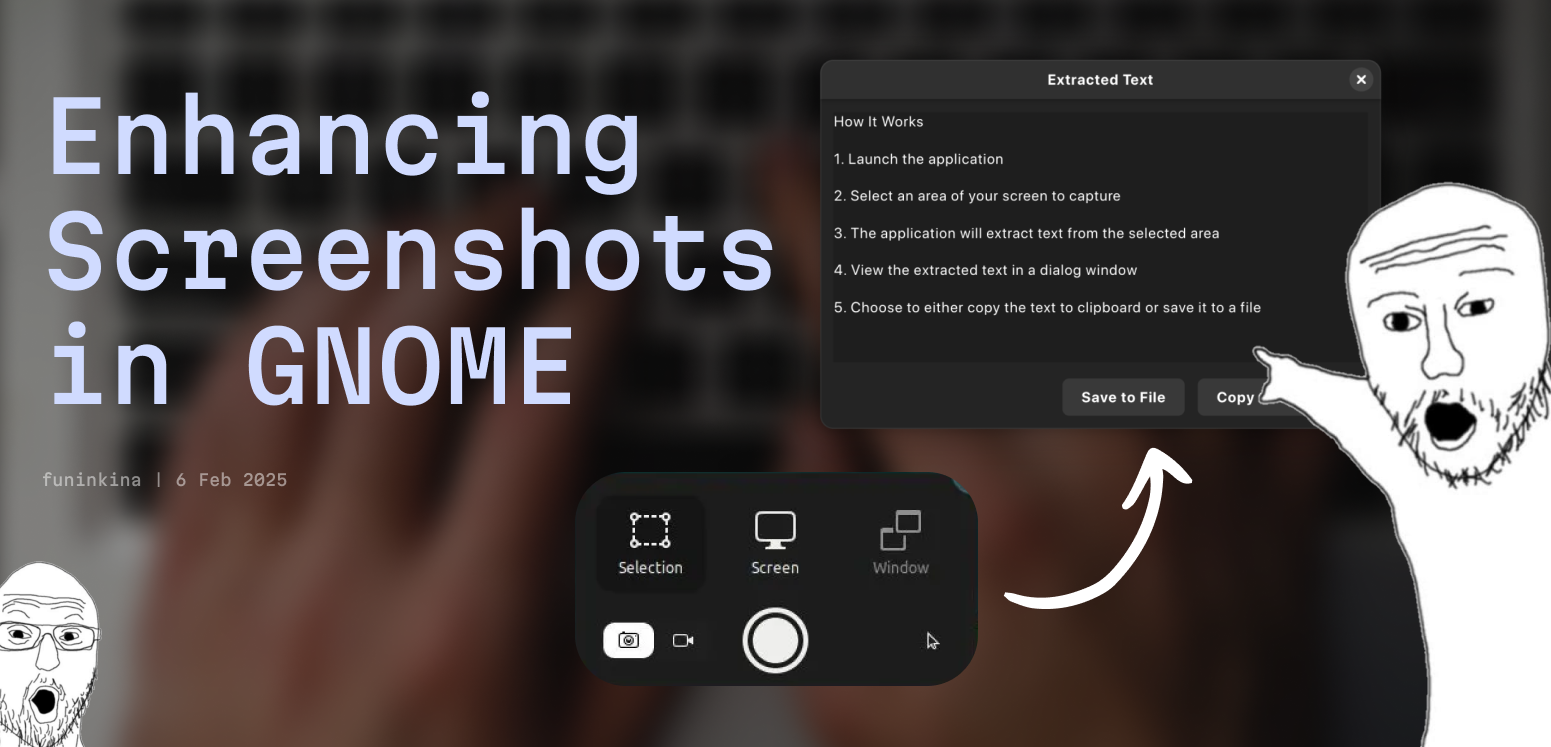
Enhancing Screenshots in GNOME with OCR
February 6, 2025Python script enhancing GNOME Screenshot with OCR with Tesseract
The Way of Arch
February 3, 2025A guide to set up Arch Linux with a minimal installation for an optimized workflow experience.
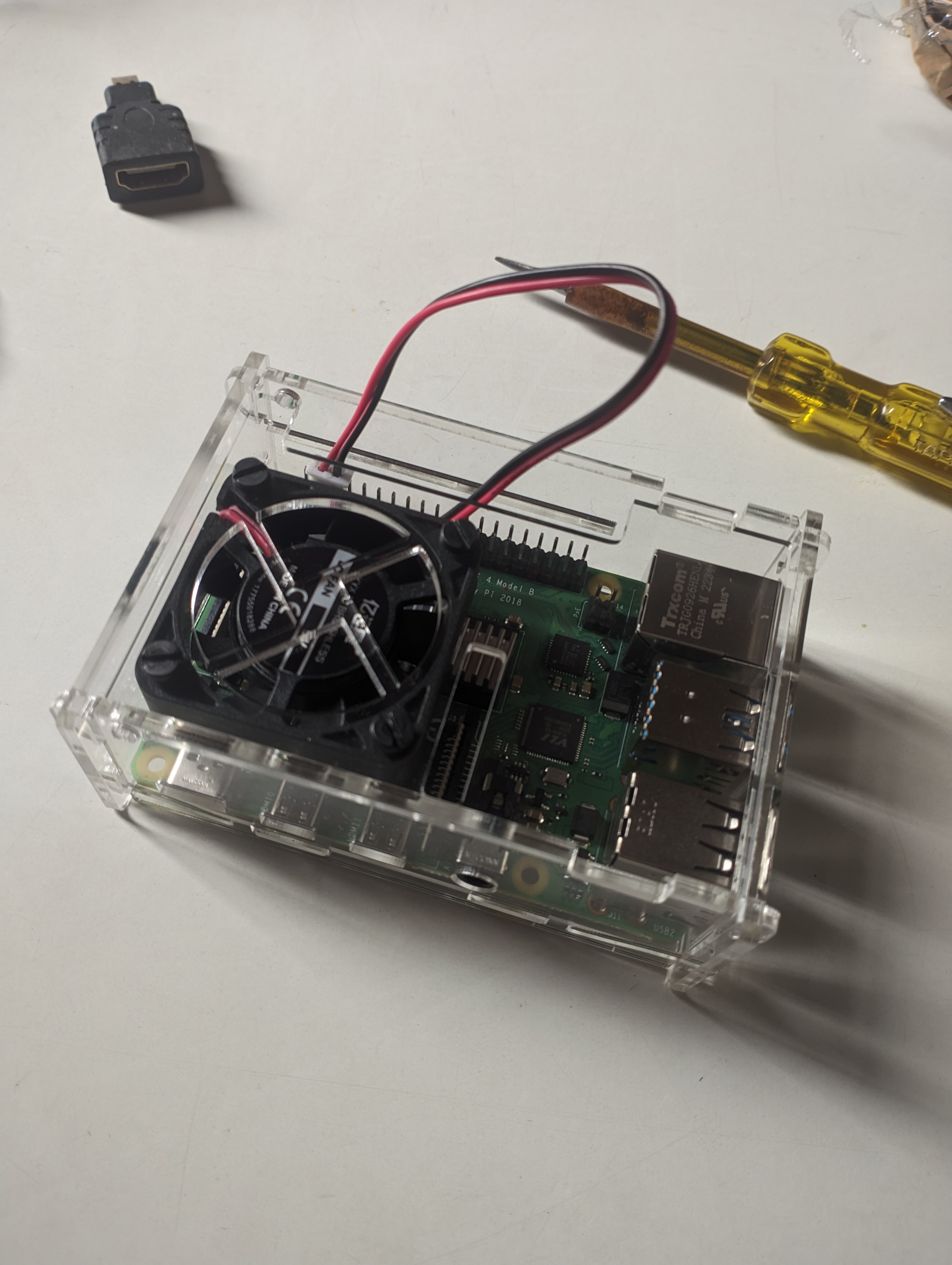
Running Deepseek on Raspberry Pi
January 31, 2025Let’s start by addressing the elephant in the room, why? Why would I run a freaking Large Language Model on a 4-core arm processor with 4GB of RAM? Well, why not? I have a Raspberry Pi 4 lying around and I wanted to see if I could run Deepseek on it. (Also cause free content for the blog). Before starting, let me say, I have absolutely zero expectations from this experiment. I am not expecting it to work, I am not expecting it to be fast, I am not expecting it to be usable. I am just doing it because I can. So, let’s get started.
Explaining Inodes In Linux
January 27, 2025What are Inodes? If you are a linux user, you must have encountered some kind Insufficient Permission or File not found errors. These errors are usually caused by the filesystem structure of linux. Ever wondered from where Linux reads these properties of a file? Also if you use symlinks (shortcuts if you are coming from windows) to a file, how is it resolved internally? When I was a beginner, I used to think that Linux reads these properties from the file itself. But then where are these properties stored in the file? It turns out, that’s not the case. Linux reads these properties from a data structure called Inode.
Simplifying Package installation on Arch Linux
August 25, 2024All of us in the “Arch Btw” cult use it for one of its main selling points, the repositories. Arch Linux’s pragmatic approach to its packages makes it so much easier for users to sync packages without fiddling with multiple repositories and dependency hell, making it a one-stop solution. The Arch User Repository (AUR) is just a cherry on top. Including packages submitted by users makes it even more complete, removing the need for flatpaks or snaps. (Might cause dependency issues, we will discuss this later).